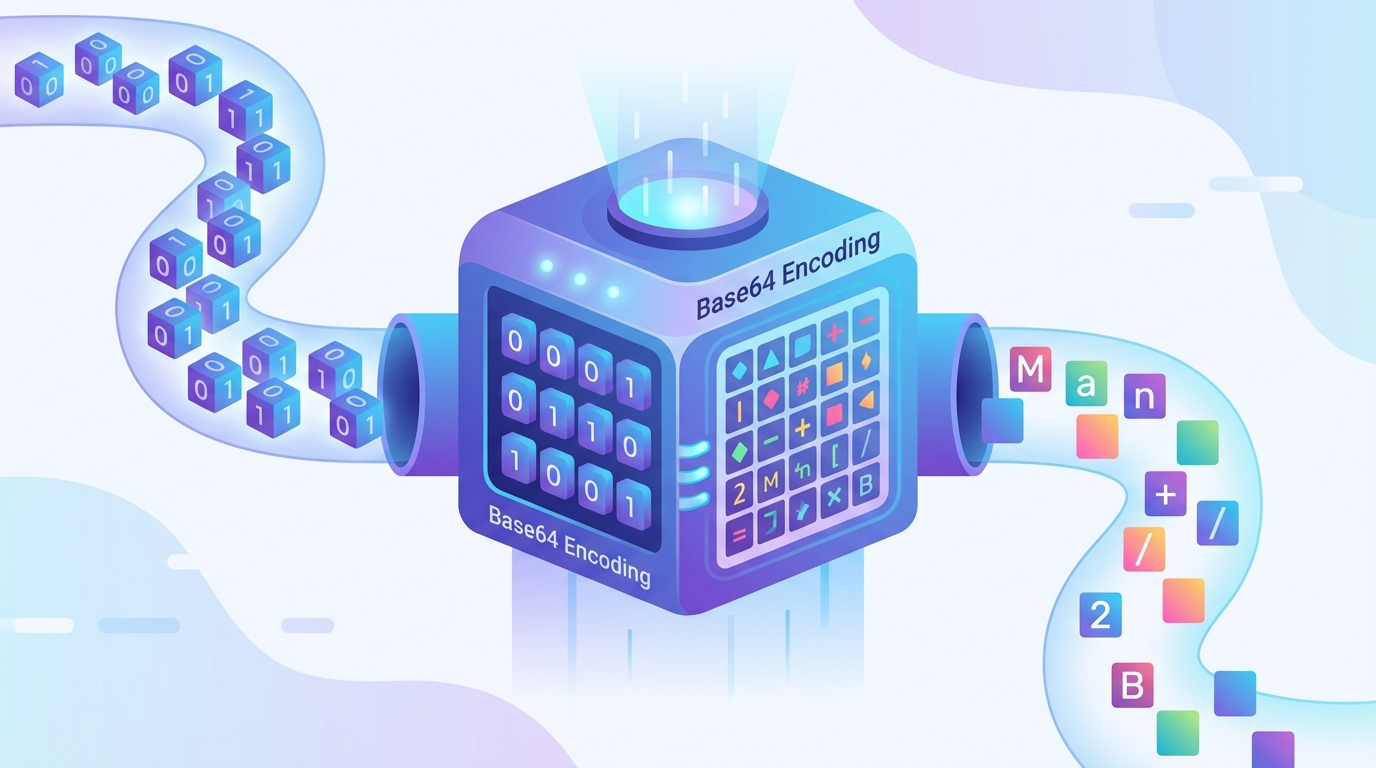
What Is Base64 Encoding? A Developer Guide
Understand what Base64 encoding is, why it exists, how it works under the hood, and when to use it. A clear, practical guide with code examples.
You have seen Base64 strings. Those long, seemingly random chunks of letters and numbers that show up in API responses, image URLs, email headers, and JWTs. They look like encrypted data, but they are not encryption at all.
Base64 is encoding, not encryption. It does not hide information — it reshapes it. And once you understand why it exists, you will start noticing it everywhere.
Why Base64 Exists
Here is the core problem Base64 solves: not every system can handle raw binary data.
Think about email. The SMTP protocol was designed in the 1980s to carry plain ASCII text — the 128 characters on your keyboard. It was never meant to carry images, PDFs, or executable files. But people wanted to send attachments.
The solution? Take the binary data (the image, the PDF), convert it into a string that uses only safe ASCII characters, and embed it in the text-based email. That is exactly what Base64 does.
The same problem shows up everywhere:
- JSON cannot contain raw binary — only text
- URLs break with certain characters
- XML chokes on binary data
- HTTP headers expect text values
- HTML can embed images inline (data URIs)
Base64 is the universal adapter between binary data and text-only systems.
How Base64 Works
The algorithm is surprisingly simple:
Step 1: Convert to Binary
Take your input data and represent it as a stream of bits (ones and zeros). For text, each character becomes its ASCII binary value.
Example: The text Hi!
H = 01001000
i = 01101001
! = 00100001
Combined: 010010000110100100100001
Step 2: Split into 6-Bit Groups
Regular bytes are 8 bits. Base64 works with 6-bit groups instead:
010010 000110 100100 100001Why 6 bits? Because 2⁶ = 64, which gives us exactly 64 possible values — hence the name Base64.
Step 3: Map to the Base64 Alphabet
Each 6-bit group maps to one character from this 64-character alphabet:
A-Z (0-25)
a-z (26-51)
0-9 (52-61)
+   (62)
/   (63)
Our groups: 010010 = S, 000110 = G, 100100 = k, 100001 = h
Result: Hi! → SGkh
Step 4: Padding
If the input length is not divisible by 3 bytes, Base64 adds = padding characters to make the output a multiple of 4 characters.
- 1 remaining byte → 2 Base64 characters +
== - 2 remaining bytes → 3 Base64 characters +
= - 0 remaining bytes → no padding
The Size Increase
Base64 is not free. Every 3 bytes of input become 4 characters of output. That is a 33% size increase.
Input:  1,000 bytes
Output: 1,334 bytes (approximately)
This is the trade-off: compatibility for size. In most cases, the overhead is acceptable. But do not Base64-encode a 100MB video and wonder why your JSON response is 133MB.
Base64 Variants
The standard Base64 alphabet includes + and /, which cause problems in certain contexts:
Standard Base64 (RFC 4648)
Alphabet: A-Z, a-z, 0-9, +, /
Padding: =
Used in: Email (MIME), PEM certificates, most general encoding
URL-Safe Base64
Alphabet: A-Z, a-z, 0-9, -, _
Padding: optional (often omitted)
Used in: URLs, filenames, JWTs
The + and / characters have special meaning in URLs (space and path separator), so URL-safe Base64 swaps them for - and _.
MIME Base64
Same alphabet as standard, but inserts line breaks every 76 characters. Used in email attachments to comply with SMTP line length limits.
Common Uses of Base64
1. Email Attachments (MIME)
When you attach a file to an email, your email client Base64-encodes it, embeds it in the email body as text, and the recipient's client decodes it back. This is the original use case from the early 1990s, and it is still how email attachments work today.
2. Data URIs in HTML/CSS
You can embed small images directly in HTML or CSS using Base64:
<img src="data:image/png;base64,iVBORw0KGgoAAAANSUhEUgAAAAEAAAAB..." />This eliminates an HTTP request for the image. It is useful for tiny icons and sprites, but counterproductive for larger images (remember the 33% size increase).
3. JSON Web Tokens (JWT)
JWTs use URL-safe Base64 to encode the header and payload:
eyJhbGciOiJIUzI1NiJ9.eyJ1c2VyIjoiam9obiJ9.signatureEach part between the dots is a Base64-encoded JSON object. You can decode JWT tokens to see the contents — which is why JWTs are not a way to hide sensitive data.
4. API Payloads
When APIs need to transmit binary data (images, files, certificates) within JSON, Base64 is the standard approach:
{
  "filename": "report.pdf",
  "content": "JVBERi0xLjQKMSAwIG9iago8PAovVGl0bGUgKP..."
}
5. Basic HTTP Authentication
The Authorization: Basic header sends credentials as Base64-encoded username:password:
Authorization: Basic dXNlcm5hbWU6cGFzc3dvcmQ=This is not security. Anyone can decode dXNlcm5hbWU6cGFzc3dvcmQ= back to username:password. Basic auth must always be used over HTTPS.
6. Cryptographic Keys and Certificates
PEM files (.pem, .crt, .key) store cryptographic material as Base64-encoded text:
-----BEGIN CERTIFICATE-----
MIIBojCCAUmgAwIBAgIJAP...
-----END CERTIFICATE-----
Base64 in Code
JavaScript (Browser)
// Encode
btoa('Hello, World!');  // "SGVsbG8sIFdvcmxkIQ=="

// Decode
atob('SGVsbG8sIFdvcmxkIQ==');  // "Hello, World!"
JavaScript (Node.js)
// Encode
Buffer.from('Hello, World!').toString('base64');

// Decode
Buffer.from('SGVsbG8sIFdvcmxkIQ==', 'base64').toString('utf-8');
Python
import base64

# Encode
base64.b64encode(b'Hello, World!').decode()  # "SGVsbG8sIFdvcmxkIQ=="

# Decode
base64.b64decode('SGVsbG8sIFdvcmxkIQ==').decode()  # "Hello, World!"
PHP
// Encode
base64_encode('Hello, World!');  // "SGVsbG8sIFdvcmxkIQ=="

// Decode
base64_decode('SGVsbG8sIFdvcmxkIQ==');  // "Hello, World!"
Command Line
# Encode
echo -n 'Hello, World!' | base64

# Decode
echo 'SGVsbG8sIFdvcmxkIQ==' | base64 --decode

# Encode a file
base64 image.png > image.b64

# Decode a file
base64 --decode image.b64 > image.png
Or use Base64 Decode and the canonical Base64 Encode tool for instant browser-based conversion without writing any code.
Base64 Is NOT Encryption
This is the most common misconception. Base64 is reversible by anyone — it provides zero security. It is encoding (changing the format), not encryption (protecting the content).
If you Base64-encode a password, secret key, or sensitive data, anyone who sees the encoded string can decode it instantly. For actual security, use:
- AES/ChaCha20 for encryption
- bcrypt/argon2 for password hashing
- HTTPS for transport security
When to Use Base64 (and When Not To)
Use Base64 When:
- Embedding binary data in text-based formats (JSON, XML, HTML)
- Sending files through text-only protocols (email)
- Encoding small assets inline (tiny icons, SVGs)
- Encoding data for URLs (with URL-safe variant)
Do NOT Use Base64 When:
- You want to hide or protect data (use encryption instead)
- Transmitting large files (use multipart upload instead)
- The transport supports binary natively (like HTTP with
Content-Type: application/octet-stream) - Embedding large images in HTML (use regular
<img src>— the 33% overhead is not worth it)
FAQ
What does Base64 mean?
The name "Base64" refers to the 64-character alphabet used in the encoding scheme. Just as Base10 (decimal) uses 10 digits and Base16 (hexadecimal) uses 16 characters, Base64 uses 64 characters to represent binary data as text.
Why is Base64 output always longer than the input?
Because Base64 converts every 3 bytes of input into 4 ASCII characters. The 33% size increase is the cost of representing binary data using only 64 text-safe characters. Padding (=) can add 1-2 extra characters at the end.
Can I Base64-encode any file type?
Yes. Base64 works on raw bytes, so it can encode any file — images, PDFs, executables, audio, video, or any other binary format. The encoded output is always a text string regardless of the input type.
Is Base64 the same as encryption?
No. Base64 is encoding (format conversion), not encryption (data protection). Anyone can decode a Base64 string — no key or password is needed. Never use Base64 to protect sensitive information.
What is the = at the end of Base64 strings?
The = characters are padding. Base64 output must be a multiple of 4 characters. If the input does not divide evenly into 3-byte groups, = is added to fill the remaining space. One = means 2 input bytes remained; == means 1 byte remained.
How do I decode Base64 quickly?
Use Base64 Decode for instant browser-based decoding. For programmatic use, every major programming language has built-in Base64 functions — atob() in JavaScript, base64.b64decode() in Python, base64_decode() in PHP.
Try it yourself
Use our free online tool to get started right away