How to Decode JWT Tokens: Complete Guide
Learn how to decode JWT tokens, understand their structure, inspect claims, and debug authentication issues with practical examples.
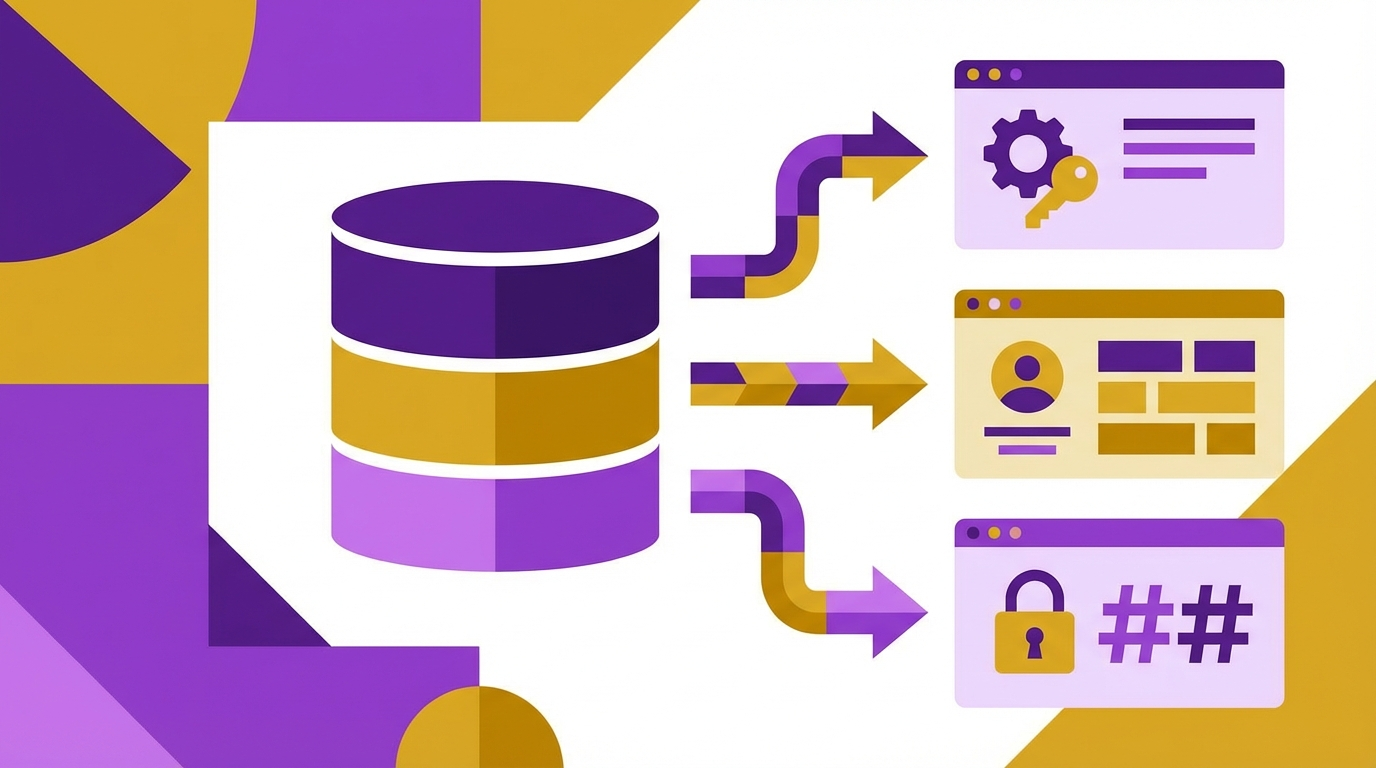
JSON Web Tokens (JWTs) are compact, URL-safe tokens used for authentication and information exchange in modern web applications. A JWT consists of three Base64URL-encoded parts separated by dots: the header, the payload, and the signature. Decoding a JWT reveals the claims and metadata inside, helping you debug authentication flows, inspect permissions, and understand token expiration without making additional API calls.
The header contains metadata about the token itself, typically specifying the signing algorithm (such as HS256 or RS256) and the token type (JWT). This tells the verifying system which cryptographic method to use when checking the signature. Decoding the header is as simple as Base64URL-decoding the first part of the token and parsing the resulting JSON. The algorithm specified here determines how the signature in the third part should be validated.
The payload section carries the actual claims—key-value pairs that describe the user, permissions, and token validity. Standard claims include 'iss' (issuer), 'sub' (subject/user ID), 'aud' (audience), 'exp' (expiration timestamp), 'nbf' (not before), and 'iat' (issued at). Custom claims can be added for application-specific data like roles, permissions, or session identifiers. Decoding the payload gives you immediate access to this information without contacting the authentication server.
The signature is a cryptographic hash created by combining the encoded header, encoded payload, and a secret key (for HMAC) or private key (for RSA/ECDSA). This signature ensures that the token hasn't been tampered with—if someone modifies the header or payload, the signature becomes invalid. While you can decode the header and payload without the secret key, you cannot verify the signature's authenticity without it. Verification is essential in production; decoding alone is useful for debugging.
Decoding a JWT is straightforward: split the token on the dot character, Base64URL-decode the first two parts, and parse the resulting JSON. The third part is the raw signature bytes, which you typically don't decode manually. Online JWT decoders and browser tools automate this process, displaying the header and payload in a readable format. This is safe for development and debugging, but never paste production tokens containing sensitive data into third-party tools.
Inspecting JWT expiration is critical for debugging authentication issues. The 'exp' claim contains a Unix timestamp indicating when the token becomes invalid. If the current time is past this timestamp, the token is expired, and the server should reject it. Front-end applications can decode tokens client-side to check expiration before making API requests, reducing unnecessary network calls and providing better error messages to users.
JWT tokens are not encrypted by default—they're only signed. This means anyone can decode and read the contents, so you should never include sensitive information like passwords, credit card numbers, or personal identifiers in the payload. Only include data that's acceptable for clients to see. If you need to transmit sensitive claims, use encrypted JWTs (JWE), which add a layer of encryption on top of the standard JWT structure.
When debugging authentication failures, decoding the JWT helps identify common issues: expired tokens, incorrect audience claims, missing required fields, or algorithm mismatches. Compare the token's claims against your API's requirements to pinpoint where validation fails. Many frameworks provide detailed error messages, but examining the token directly often reveals the root cause faster than reading server logs.
You can decode JWTs programmatically in any language. JavaScript provides built-in Base64 decoding via atob() or Buffer, while libraries like jsonwebtoken handle both decoding and verification. Python's PyJWT, PHP's firebase/php-jwt, and similar libraries in other languages offer one-line methods to decode and validate tokens. For production systems, always verify signatures and validate claims—decoding without verification is only appropriate for debugging and development.
Try it yourself
Use our free online tool to get started right away